
Check you're signed in to BetterCampus on a Pro account.
Check you allowed the connection when you signed in.
Reload your school platform and give it a few minutes.
If it still isn't working, disconnect your calendar and connect it again.
Sync your calendar
Updated 4 days ago
Connect your Google or Microsoft calendar and your schoolwork and your life show up in the same place. This needs Pro. Looking the other way round, to pull assignments in from your school's own calendar? That's a school calendar feed — see Add a school calendar feed.
How it works both ways
Your events come in — everything on your Google or Outlook calendar shows up on your BetterCampus Planner.
Your schoolwork goes out — due dates, planned work times, and class times appear on your outside calendar, so your phone can remind you.
Set it up
Click Calendar in the BetterCampus sidebar.
Choose Continue with Google or Continue with Microsoft.
Sign in and allow the connection.
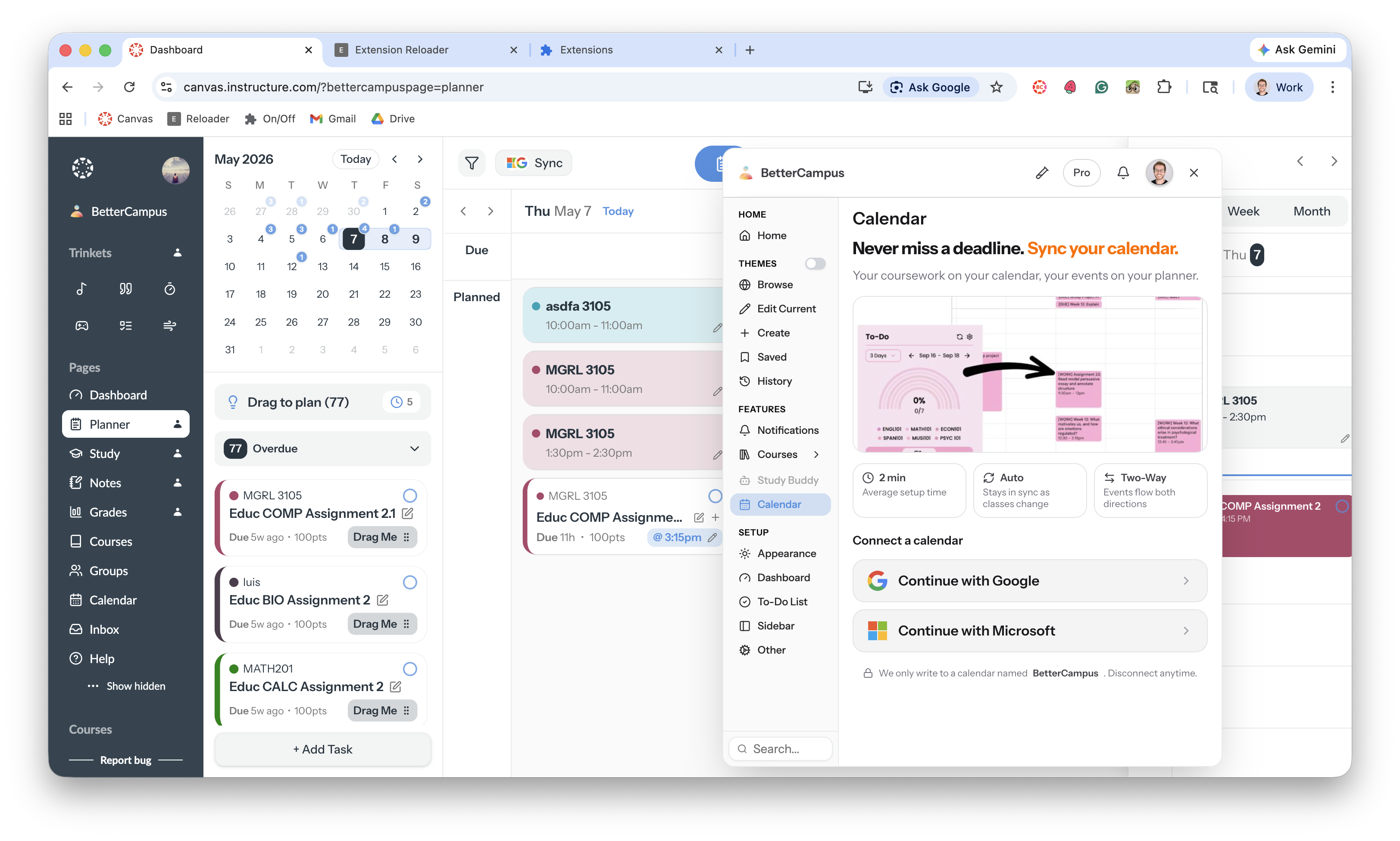
Your events start appearing within a few minutes.
What to know
We make our own calendar. Your schoolwork syncs to a calendar named "BetterCampus" in your Google or Microsoft account, so it stays separate from your personal events.
You can disconnect any time. Events already on your calendar stay there, but nothing new syncs.
Changes carry over. When a due date moves or you plan new work time, your outside calendar updates within minutes.
Troubleshooting
My assignments aren't showing in my calendar
It says I need Pro
Calendar sync is a Pro feature. Upgrade from Profile → Plan & billing, or see Upgrade to Pro.
My Planner is empty, not just my calendar
That's a different problem. See My planner isn't syncing.
Was this helpful?
Was this helpful?