
Cancel Pro or get a refund
Updated 2 weeks ago
There are three ways to stop paying for Pro, and they all start in the same place.
Steps
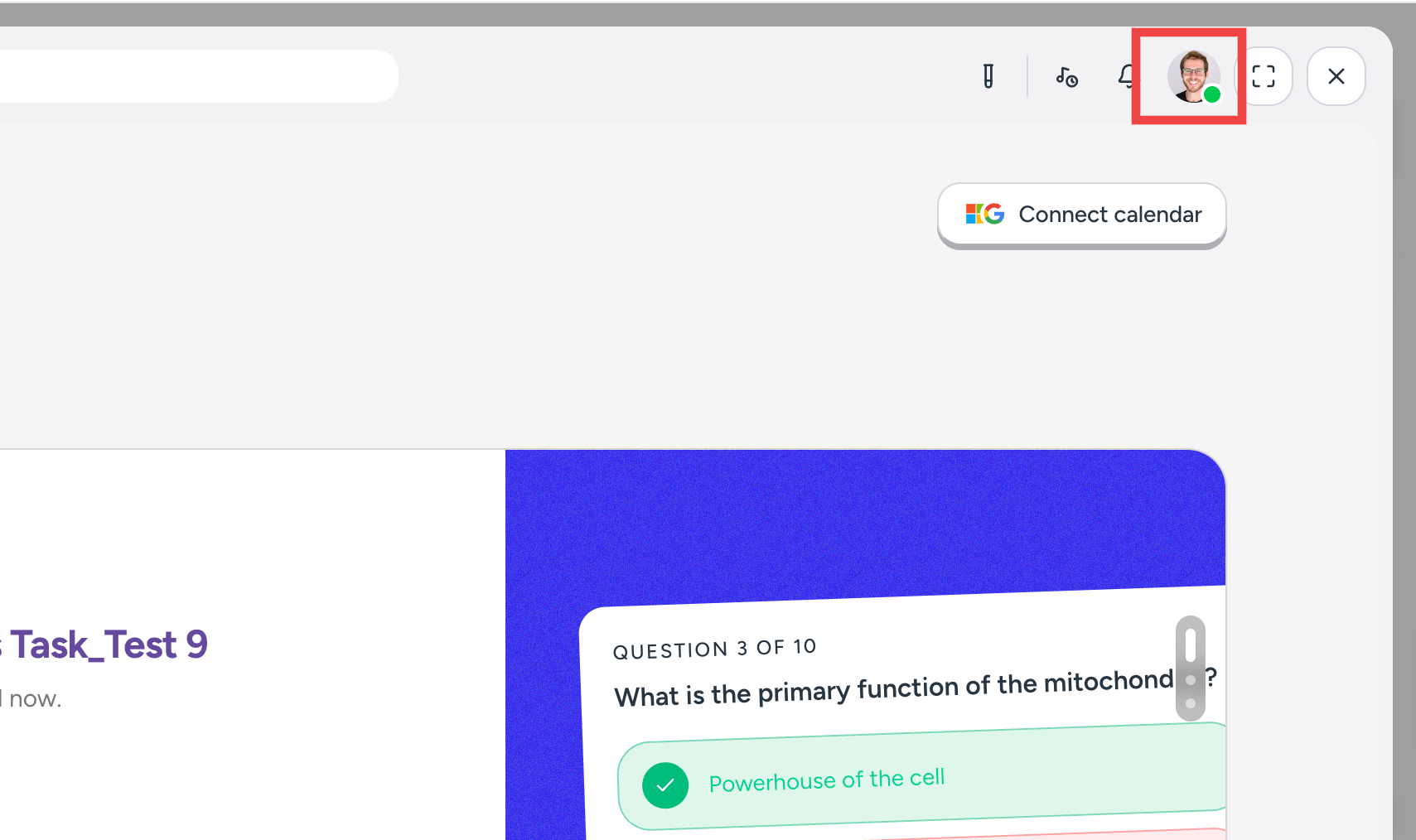
Click your profile icon in the top right.
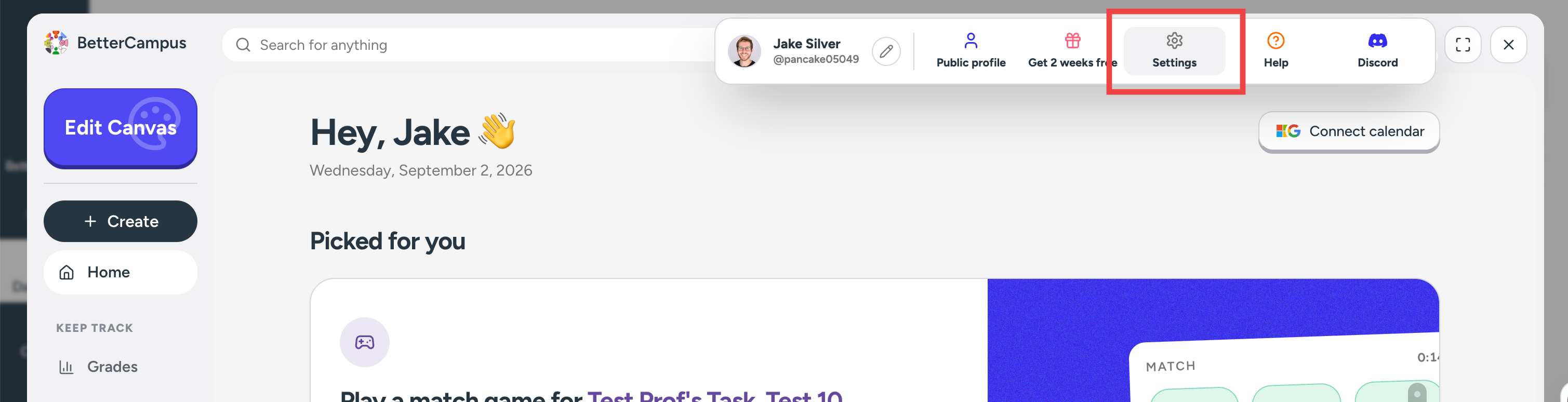
Go to Settings.
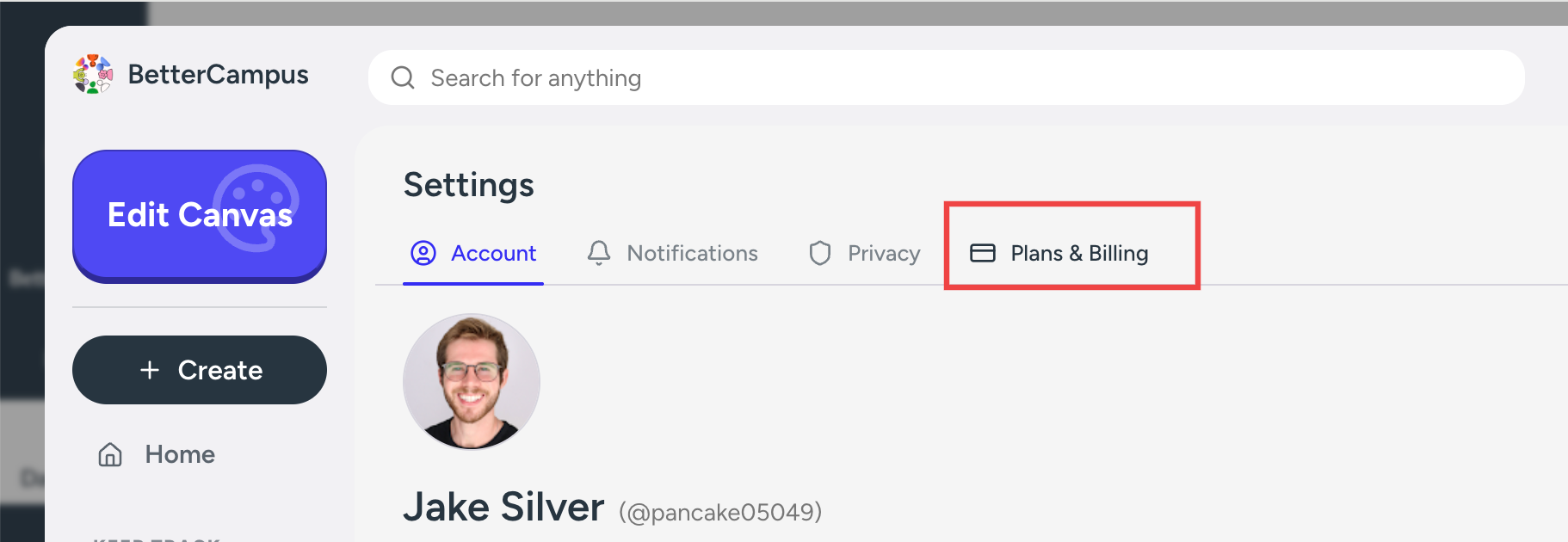
Open the Plans & Billing tab.
On your Pro card, click Cancel Pro.
Choose Accidental purchase and click Continue.
Tell us briefly what you were trying to do, then click Continue.
Click Get a Full Refund. We refund the charge, cancel your subscription, and move you to Free.
Not a mistake? Pick a different reason and you can pause or cancel at the end of your period instead.
Which one you want
Option | Use it when | What happens |
|---|---|---|
Cancel Pro → Accidental purchase | You bought Pro by mistake, were charged in the last 3 days, and haven't used your one refund | Pro ends now, the money goes back to your card, and you move to Free |
Cancel Pro | You're done with Pro but you've used the time you paid for | Pro runs to the end of the period, then you move to Free. No refund. |
Pause | School's out and you'll be back | Your unused Pro time is saved for later, and billing stops until you return |
Still inside a free trial? None of these apply to you yet — see Manage your free trial.
Refund an accidental purchase
Bought Pro by accident, or picked yearly when you meant monthly? Click Cancel Pro, choose Accidental purchase, tell us what you were trying to do, and click Get a Full Refund. We refund the charge, cancel your subscription, and move you to Free in one go.
You have 3 days from the charge. The money returns to the card you paid with, and most cards show it within a week.
The self-serve refund is one-time. Every account gets one, so once you've used it the accidental purchase refund won't be offered on a future charge.
After 3 days the refund option is gone. You can email [email protected] with your account email and the date of the charge, but late requests are decided one at a time and we can't promise an outcome.
Cancel Pro
This is a downgrade, not an instant switch-off. Nothing changes until the period you paid for runs out — on a yearly plan that means Pro until the year is up. Your themes, notes, and study sets stay after you move to Free.
Pause
Pausing saves the Pro time you've already paid for instead of letting it run out while you're away. You're on the Free plan meanwhile, so Pro features switch off — that's exactly why the time keeps.
You choose how long, from 1 to 6 months. Pause with 16 days left and you come back to 16 days. Billing then restarts on its own, so your renewal date has simply moved back.
You can also resume early, any time you like.
This is the real difference between pausing and cancelling. Cancelled Pro keeps counting down and expires on schedule whether you use it or not; paused Pro waits for you.
Changed your mind?
You can go back to Pro any time from Plans & Billing — see Upgrade to Pro.
And if you're leaving because something is broken, email [email protected] first — we may be able to fix it.