
Add personal tasks
Updated 2 months ago
Add your own to-dos to the Planner — studying for a test, picking up supplies, anything that isn't an assignment from your school platform. They show up in the same list as your class work.
Add a personal task
Click + Add Task at the bottom of the task panel in your Planner.
Fill in a Name. You can also add a Description, Course, Type, Due date, Priority, and how long you think it'll take.
Leave Course blank if the task isn't for a class.
Click Save.
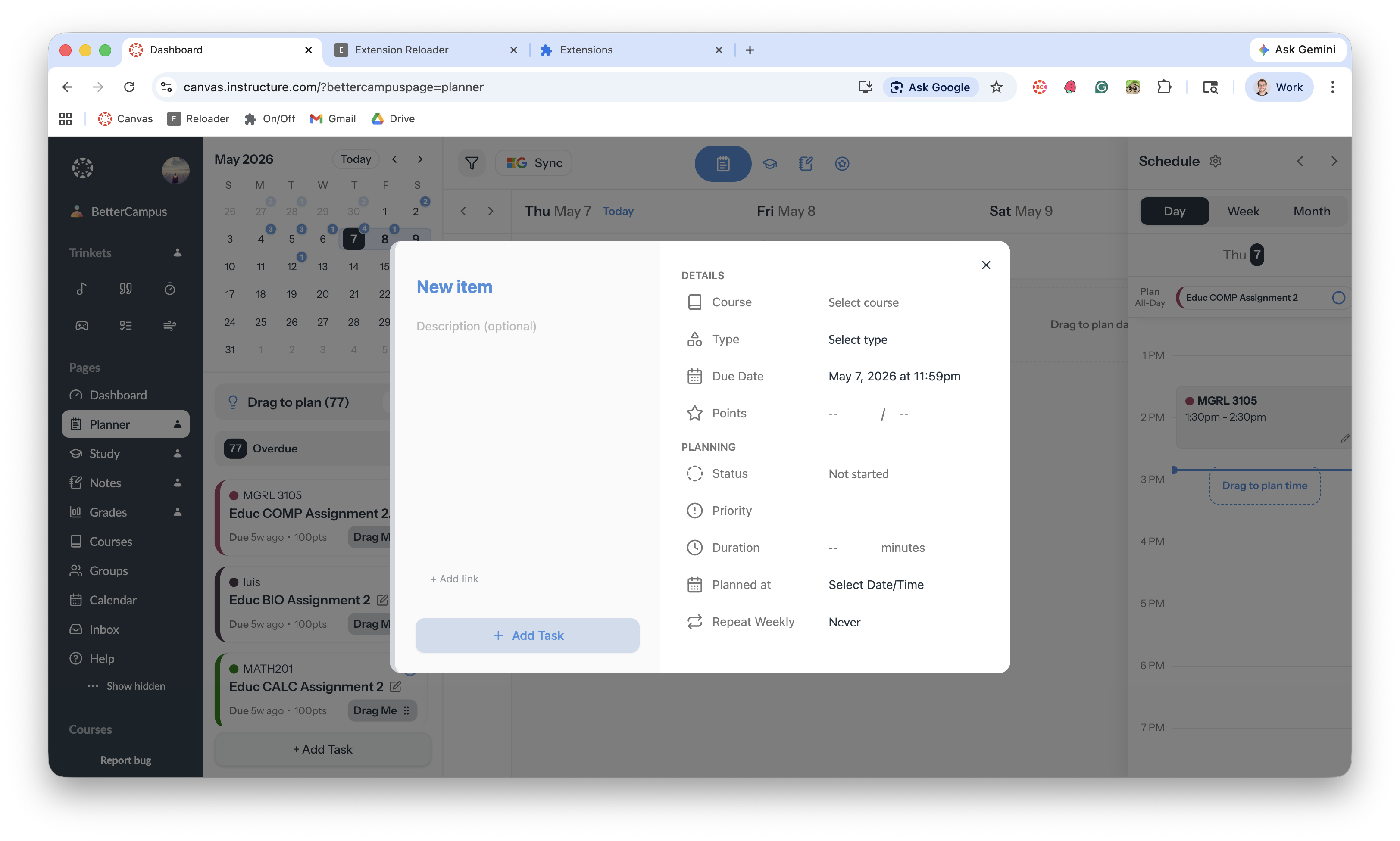
Your task appears in the Planner alongside everything from your classes.
What's next
Drag your new task onto the calendar to plan when you'll do it. See Schedule tasks.
Was this helpful?
Was this helpful?